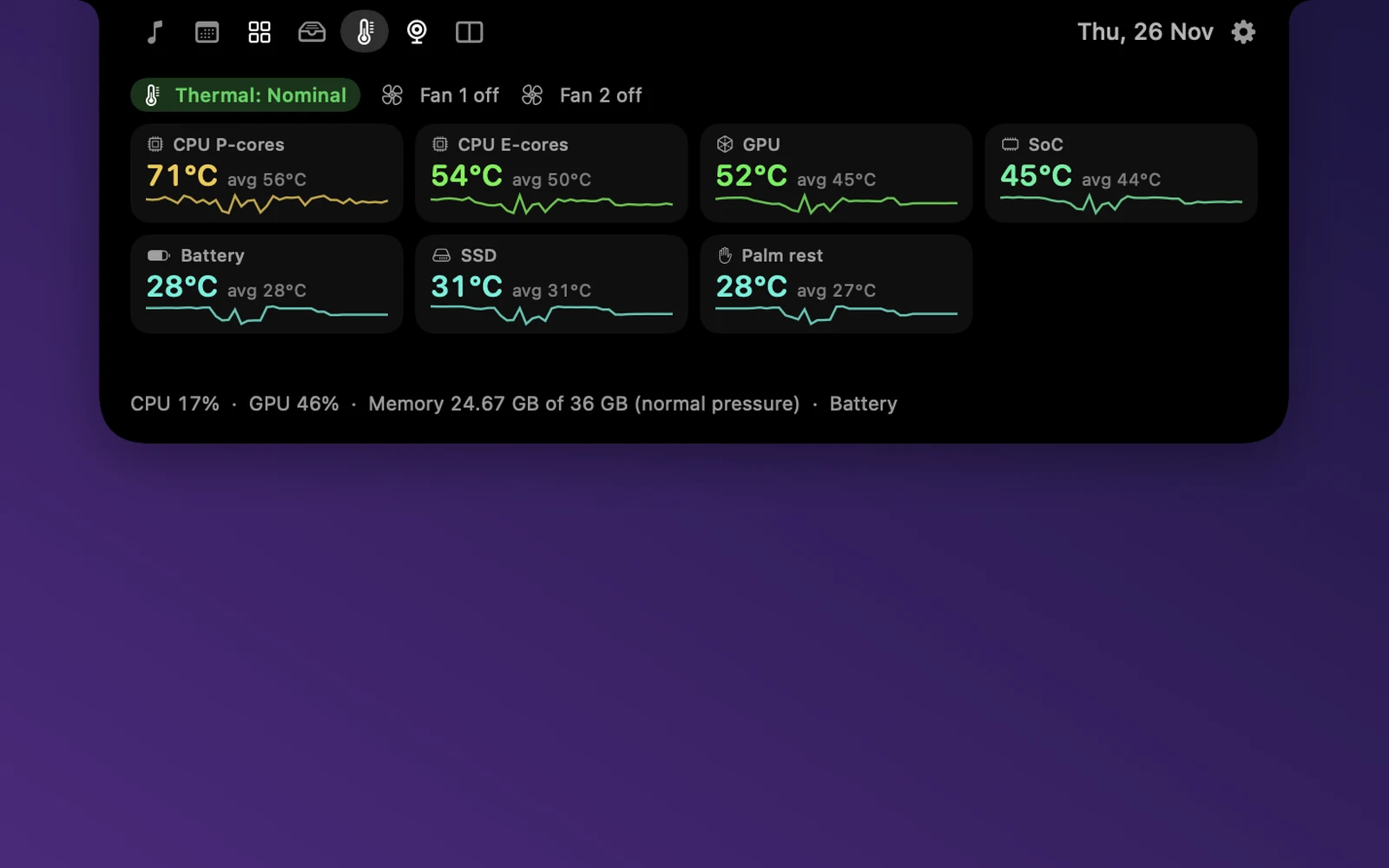
Hover over the notch on your MacBook and it opens into a panel for whatever you need right now: what's playing, your next meeting, your apps, files you've parked and how hot your Mac is running.
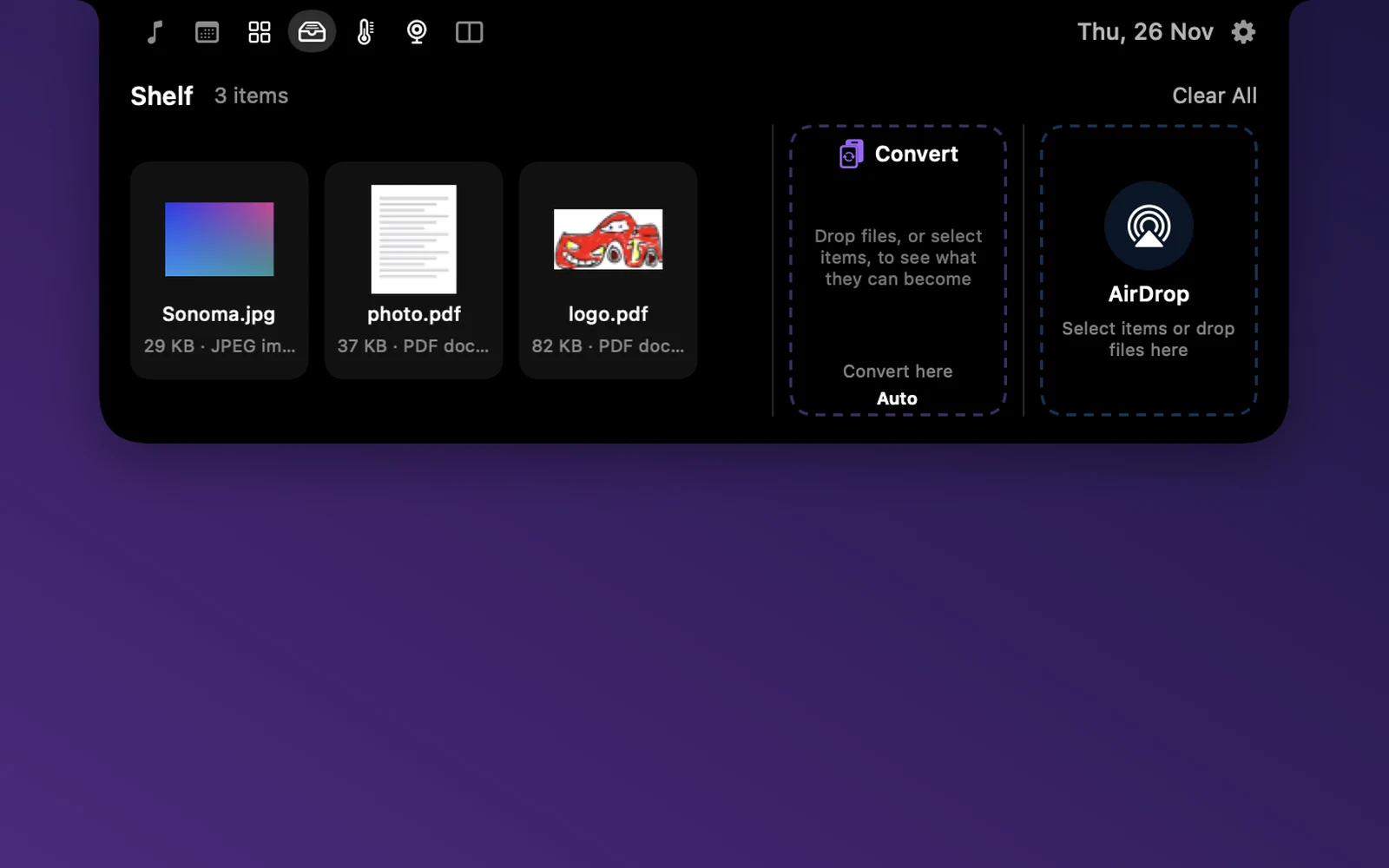
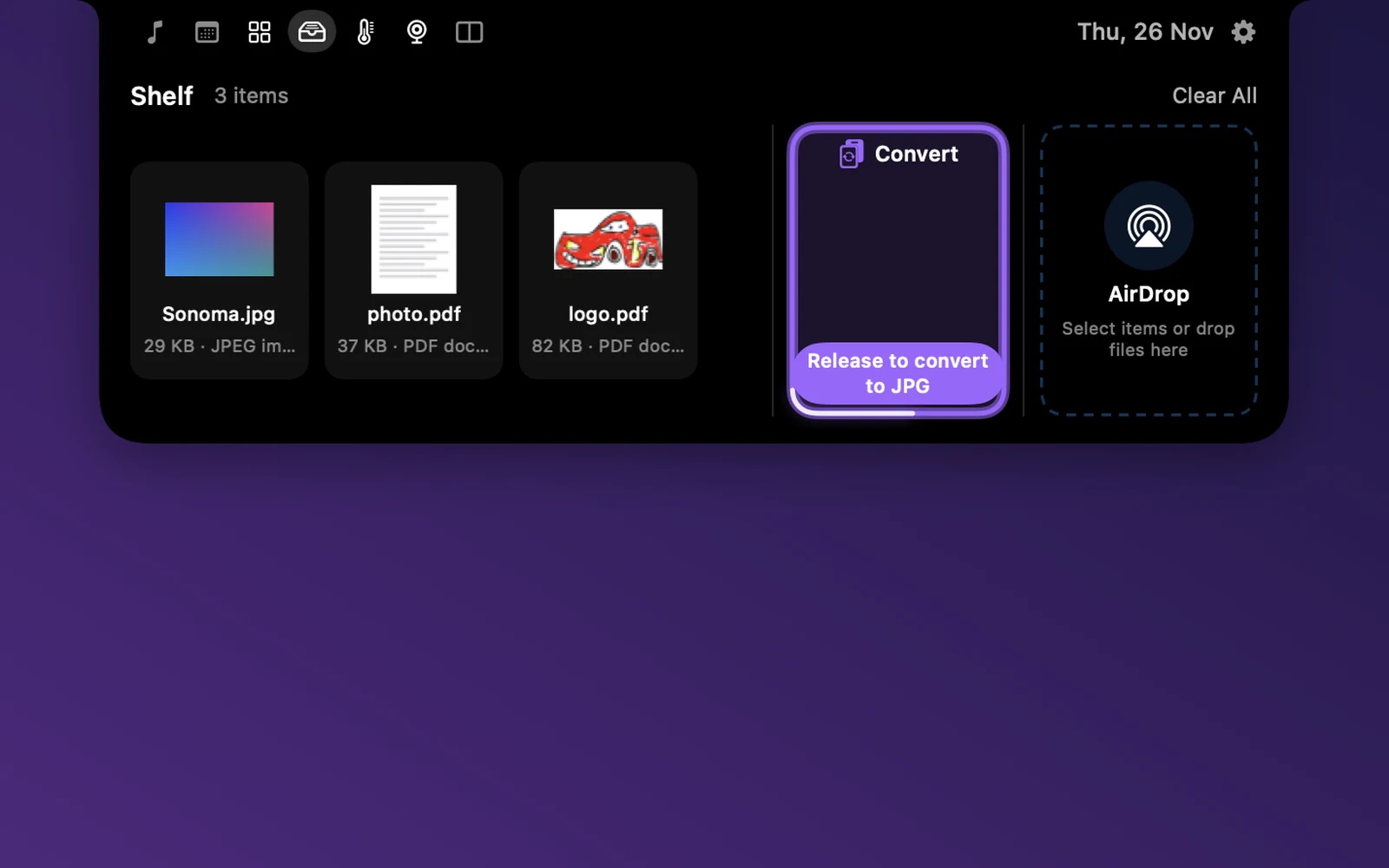
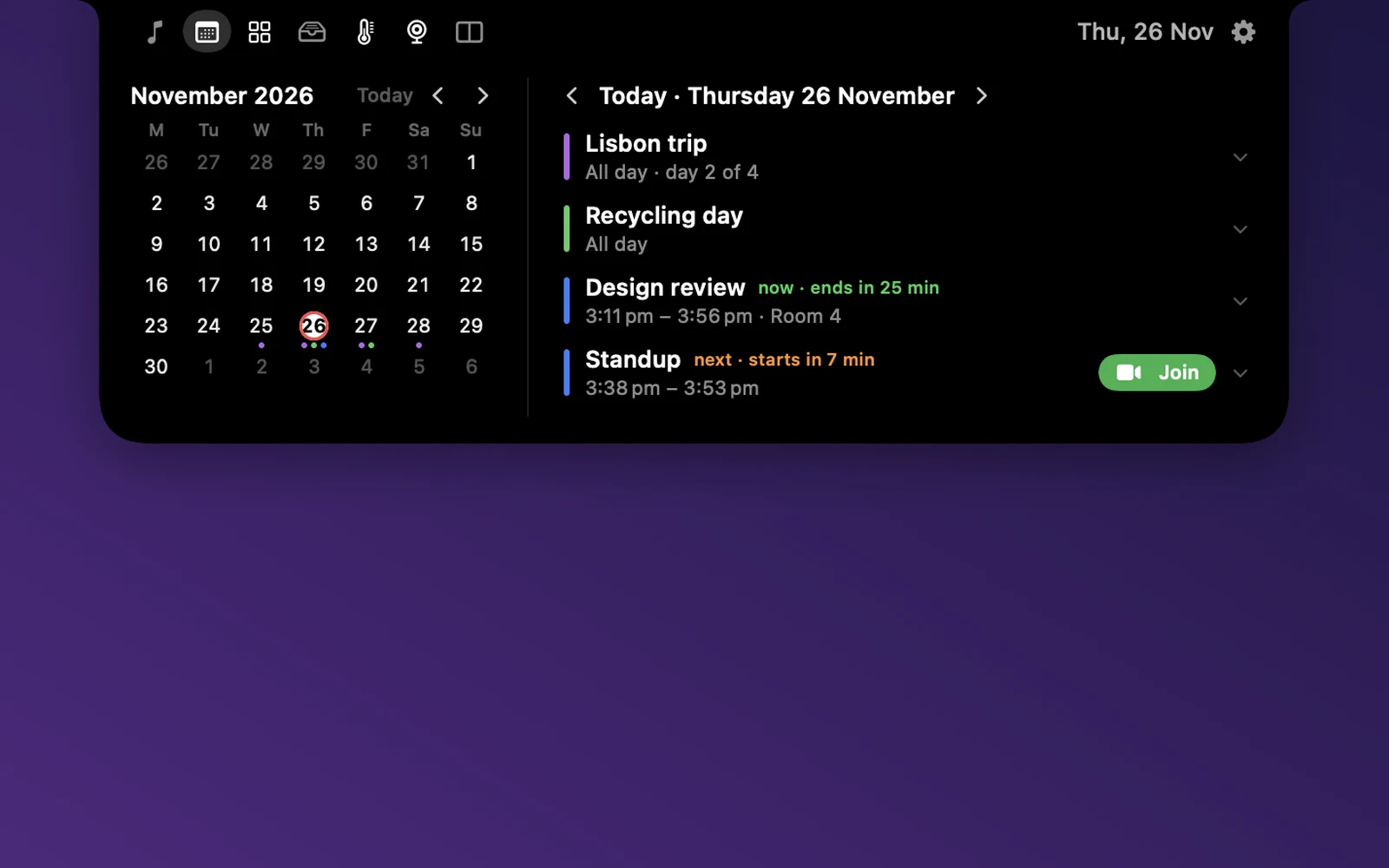
Hover over the notch to open itShelf: park files and drag them out laterConvert: drop a file and pick PDF, JPG or PNGCalendar: your Apple CalendarSplit View: up to six panels at once
What it does
Shelf
Park files. Drag them out later.
Park files and drag them out later, AirDrop them, or convert them to PDF, JPG, PNG, HEIC and more.
Settings → About → Check for Updates. One version at a time, each one signature-checked.
Privacy
No accounts, no tracking, nothing uploaded. The only network traffic is checking for updates.
Licence
Free to download. The source code isn't public: GitHub hosts the downloads and release notes.
Questions
How do I install NotchEVSR?
Download NotchEVSR.dmg and open it.
Drag NotchEVSR onto the Applications folder.
Open it from Applications. It isn't notarized by Apple, so the first time macOS says it can't check it: click Done, then open System Settings → Privacy & Security and click Open Anyway next to NotchEVSR. You only do this once.
If the Open Anyway button doesn't appear, or macOS says the app is “damaged”, run xattr -dr com.apple.quarantine /Applications/NotchEVSR.app in Terminal. It only removes the “downloaded from the internet” flag.
What do I need?
A Mac with Apple silicon (M1 or later) and macOS 14 Sonoma or later.
Which permissions does it ask for?
Only for the features you keep switched on, and each one can be skipped and turned on later: Calendars (your events), Reminders (optional, upcoming reminders under your events), Automation (rare: controlling Music or Spotify if the normal Now Playing route doesn't work) and Login Items (starting at login).
Does it collect any data?
No accounts, no tracking, nothing uploaded. The only network traffic is checking for and downloading updates from GitHub, which sends nothing but the app's name and version.
How do updates work?
Open Settings → About and click Check for Updates. Updates install one version at a time, every download is verified against its signature before it's installed, and you can roll back to the previous version from the same screen.
How do I uninstall it?
Use NotchEVSR Settings → General → Uninstall NotchEVSR…. It removes its startup item, settings, saved data and the Shelf's own copies, then moves the app to the Trash. Your files are never touched.
Open up your notch.
Your MacBook's notch, now home to music, calendar, apps and files.